 BlueFoxy
Every feature
What an owner can set for their sub, what the sub keeps, and what everyone gets. Each group links to the page that shows where it is in the viewer.
RLV stays on
Once your sub is owned, the RLV box in their Preferences stays ticked and locked. Their restrictions hold, from one login to the next.
Only you turn it off: allow it in their Controls, or give them a one-time password that frees the box. You are told when they use it, and the ownership stays. How to
- Tick what your sub can't say, see, do, wear or buy.
- Keep a rule on for 30 minutes, a few hours or up to seven days. It ends by itself.
- Lift a rule for 10 minutes or an hour. It comes back by itself.
- Make a rule work only while they sit or stand, are near you or far away, or while you are online.
- Tick Except you so a rule leaves you out. For example, they can still talk to you.
- Save the set as a preset, or copy it to another sub.
- Give them a daily L$ limit, or turn every purchase into a request to you.
- Undo your last change with Ctrl+Z.
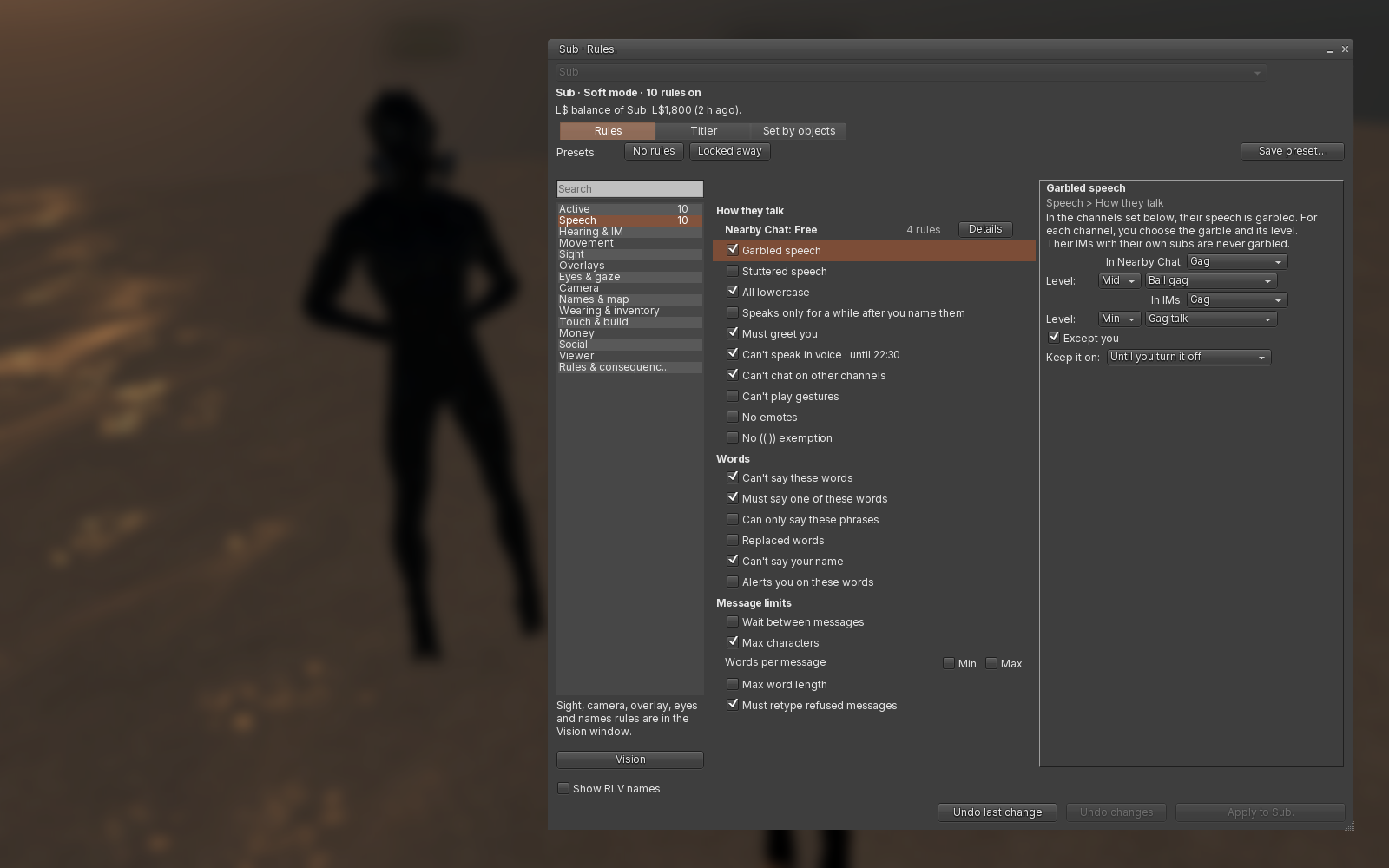
- Look through their eyes: watch from your sub's camera, with the effects their rules put on their screen.
- Send this view: hold their camera where yours is for 5, 10 or 30 seconds.
- Blur, pixelate or darken their view while they look away from you.
- Cover their view with an image, a YouTube page, or images in layers that come and go on timers.
- Turn the world grey with only you in colour, hide faces, or keep them in first person.
- Try a rule on your own screen for ten seconds before you send it.
- Play a hypnosis session. During the trial, they are asked first each time.
Wardrobe and worn objects
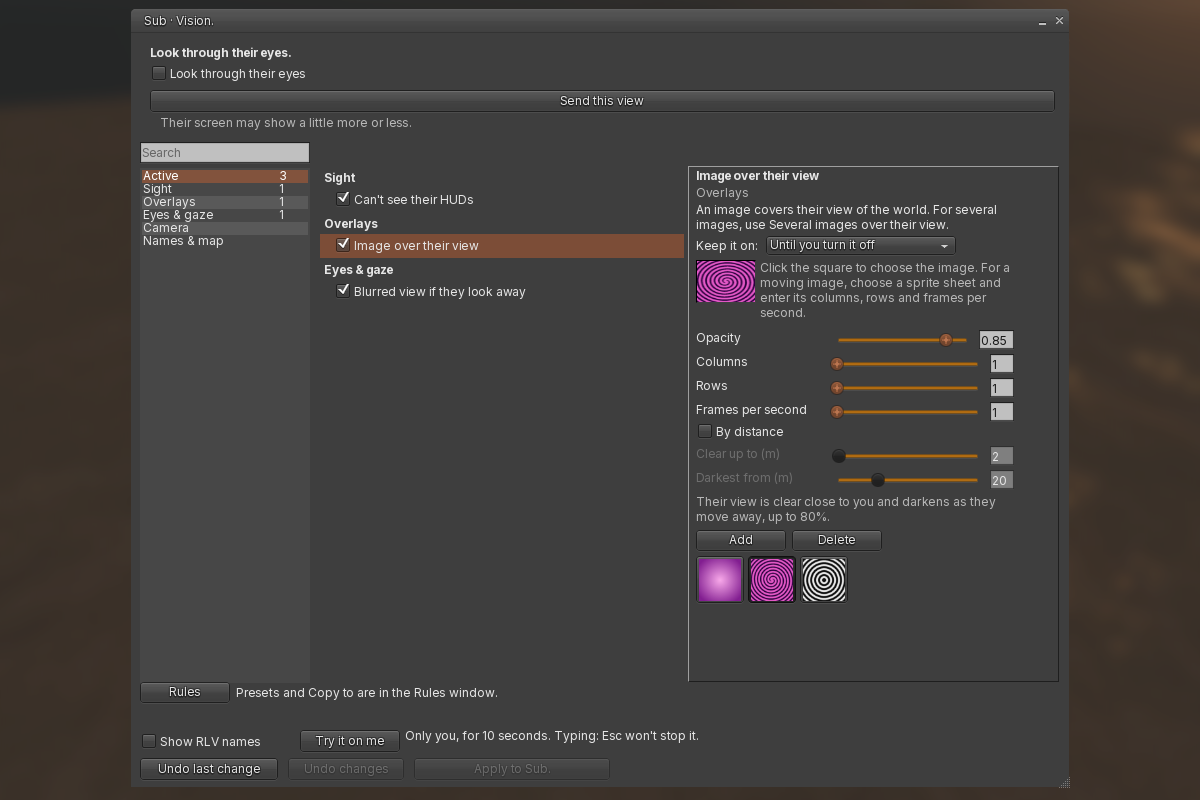
The owner dresses the sub from their #RLV folders.
- Open their #RLV folders. Put items on, take them off.
- Wearing lists what they wear by body area. Y marks your locks, O the locks of objects.
- Make up to 16 outfits and lock one on them.
- Seven Bondage buttons put a favourite on or take it off: mouth, eyes, ears, hands, cuffs, feet and full body.
- Link a preset to an item: their rules change when they wear it.
- Hold what you just added for 30 seconds, or undo your last change.
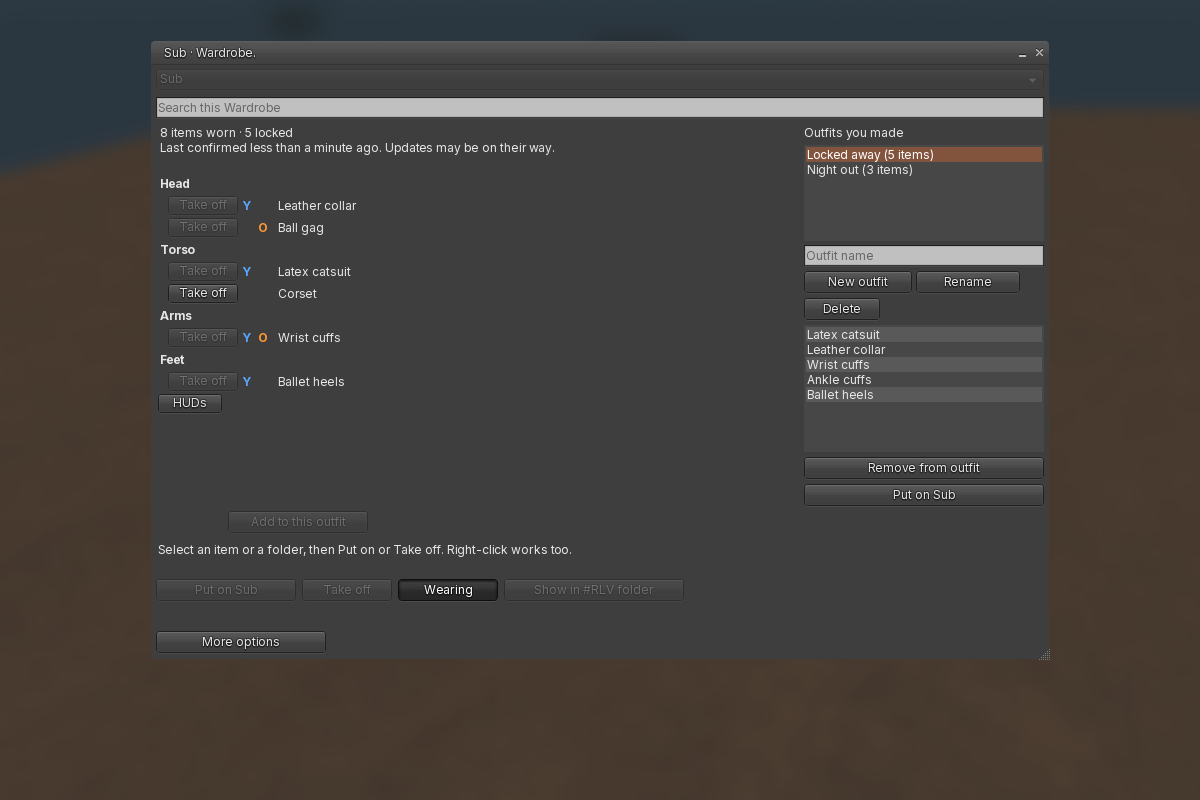
- Change how they talk: Gag, Cute ABDL talk, Puppy, Drone, Stutter or Fox, at three levels.
- Pick the gag they sound like: a ball gag, a ring gag, a bit gag or tape.
- Ban words, require words, replace words, or allow only the phrases you write.
- Make them greet you before they can talk, or speak only for a while after you name them.
- Garble or hide what they hear, and hide group or conference messages.
- Lock an outfit on them when they break a rule, for up to 24 hours or until you release them.
- Stay close: a warning, then a penalty, if they go too far or look away.
- Own more than one sub, and choose which one you act on.
- Summon them, turn them, or take control and walk their avatar around the region.
- Rename them, up to 31 characters.
- Inner voice: your phrases show in the middle of their screen every few minutes, even while you are offline.
- Hide their interface except chat, and leave them up to five places to go.
- Edit, open or detach what they wear.
- Read your alerts: refused attempts and what happens in the relationship.
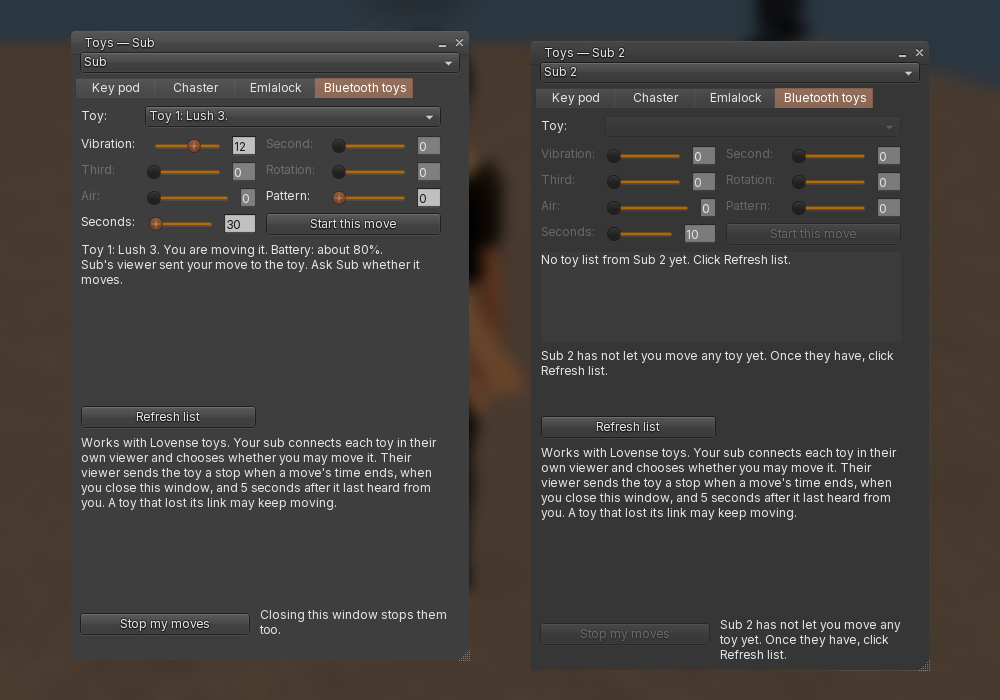
- Connect Lovense toys over Bluetooth, and other toys through Intiface Central.
- Let your owner move your toy. You can take control back at any time.
- Lock and open a QIUI Key pod, or let your owner set Hardcore for up to 8760 hours.
- Link Chaster and Emlalock locks: add or remove time, freeze, unlock.
- Stop is always in the window.
These devices have not been tested with BlueFoxy in real use yet. Direct Bluetooth and the Key pod need Windows.
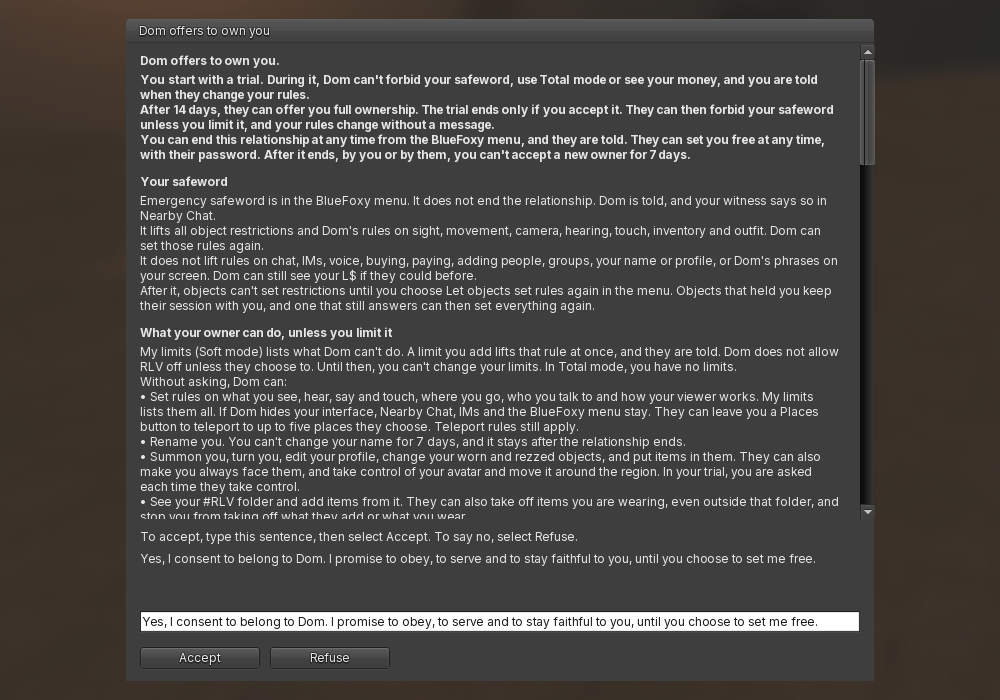
- The sub reads every power the owner will have, once, at the offer, and types a sentence to accept.
- Every ownership starts with a trial of at least 14 days. During it, the owner can't forbid the safeword or see the sub's money.
- The safeword lifts the restrictions of objects and the owner's rules on sight, movement, camera, hearing, touch, inventory and outfit at once.
- The sub can end the relationship at any time, from the BlueFoxy menu.
- In Soft mode, My limits blocks any rule the sub does not want.
- Active rules shows the sub what is on and when it ends, unless the owner hides it.
Read about consent and the safeword before you accept an offer.
- Fit a worn item to your mesh body or head.
- Take photos in Photo mode, with ten colour looks and 1:1, 4:5, 16:9 or 9:16 frames.
- See images and GIFs from links in chat and IMs.
- Reply to a chat message with a quote.
- List every part of a linked object, and find the tiny or invisible ones.
- Find duplicates in your inventory and move the extras to Trash.
- Move a window to a second screen.
- Set your hover height to the ground in one click.
- Mask the view outside up to four openings, with
@setcone. - Put a worn mask before the eyes, or draw only what the eyes can see.
- Hold the view on a joint, or limit how far up and sideways they can look.
- Fade sounds with distance or through walls. Chat from far away shows as "(muffled)".
- Allow touch only in a zone around the pelvis, and hide what can be touched.
Check for them with @getcommand: other viewers do not know them. They are built but not yet tested in Second Life.
What it costs
The viewer is free, and so are the features for everyone.
To be owned, the sub wears the BlueFoxy Witness script in an object, such as a collar. The first month is free for each sub. After that, the sub buys the full Witness once, for L$1270 on the Marketplace, or the owner sends it to them as a gift. The owner pays nothing.
To count the free month, our server keeps the sub's account key. Read the privacy notice.
Both of you need BlueFoxy
The owner sets the rules in their viewer, and the sub's viewer applies them. It installs next to Firestorm and does not change it. How to start